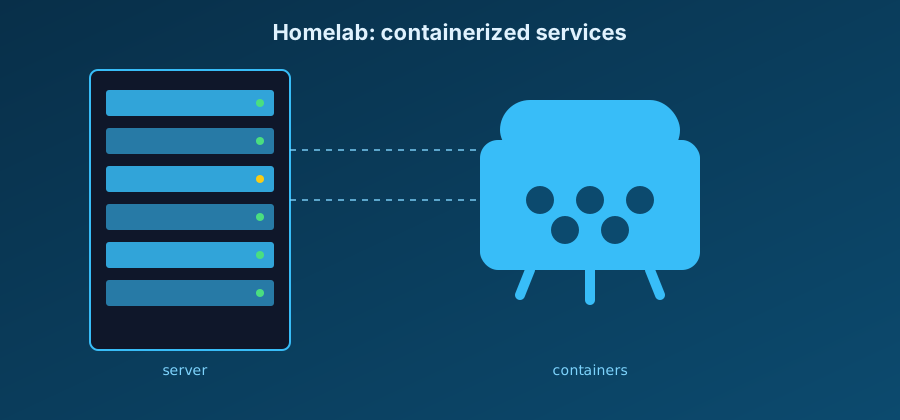
After going back and forth between several self-hosting options, I ended up centralizing everything on a mini PC with Docker Compose. Each service runs in its own container, with a reverse proxy in front to handle HTTPS and subdomain routing.
The base docker-compose.yml
services:
  proxy:
    image: caddy:2
    restart: unless-stopped
    ports:
      - '80:80'
      - '443:443'
    volumes:
      - ./Caddyfile:/etc/caddy/Caddyfile
      - caddy_data:/data

  photos:
    image: ghcr.io/immich-app/immich-server:release
    restart: unless-stopped
    depends_on:
      - db

  db:
    image: postgres:16
    restart: unless-stopped
    environment:
      POSTGRES_PASSWORD: changeme
    volumes:
      - db_data:/var/lib/postgresql/data

volumes:
  caddy_data:
  db_data:
Services currently running
| Service | Role | Internal port |
|---|---|---|
| Caddy | Reverse proxy + auto HTTPS | 80 / 443 |
| Immich | Photo backup | 2283 |
| Vaultwarden | Password manager | 80 |
| Uptime Kuma | Service monitoring | 3001 |
A few commands I use every day to manage the stack:
# start all services in the background
docker compose up -d

# follow the logs of a specific service
docker compose logs -f immich-server

# update an image, then recreate the container
docker compose pull vaultwarden
docker compose up -d vaultwarden
Warning: never expose a sensitive service (a database, an admin dashboard) directly to the internet without authentication or a reverse proxy in front of it. A forgotten
ports: "5432:5432"can be enough to expose an entire database.
Next steps
- Set up automatic backups of the volumes to external storage
- Add two-factor authentication to Vaultwarden
- Document the full restore procedure, so I don't discover it the day I need it
The homelab remains a constantly evolving project: every new service is a chance to rethink the organization of the stack a little.