A printer that turns out perfect parts on the first try is the exception. Most of the time, fifteen minutes of calibration saves hours of failed prints. Here is the order I work in, because each step depends on the one before it.
1. The first layer
Everything starts with a well-leveled bed and a properly squished first layer. I print a plain one-layer square and check whether the lines fuse together without overlapping or leaving gaps.
- Round, separate lines: nozzle too high
- A wavy surface with ridges: nozzle too low
- A smooth, even surface: you're good
2. Temperature
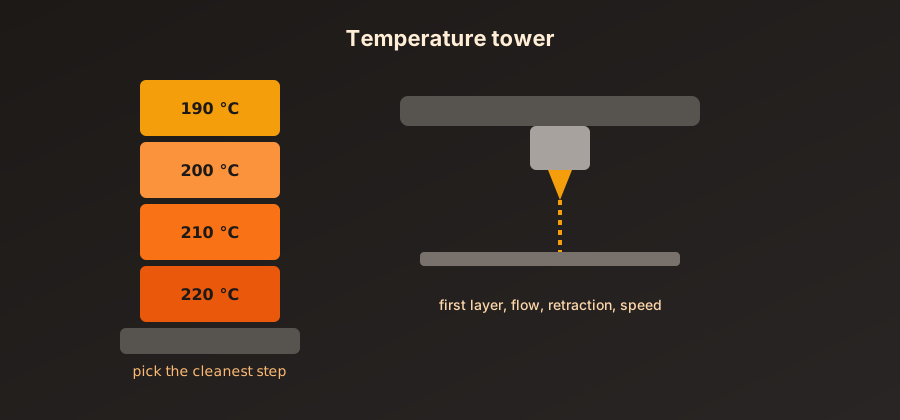
Every filament has its own ideal range, and every spool can behave a little differently. A temperature tower (printed with a step every 5 °C) shows in a single print where the best compromise sits between layer adhesion, bridging and stringing.
| Material | Nozzle | Bed |
|---|---|---|
| PLA | 190–220 °C | 50–60 °C |
| PETG | 230–250 °C | 70–85 °C |
| ABS | 240–260 °C | 90–110 °C |
3. Flow
A part that comes out too big, or with walls that overlap, gives away an overestimated flow rate. I measure the thickness of a single-wall cube with calipers, then adjust the percentage:
New flow = old flow × (target thickness / measured thickness)
Example: 100% × (0.42 / 0.45) = 93.3%
4. Retraction
Strings between two areas of a part almost always come from badly tuned retraction. I start from the profile's default, then adjust in small steps with a retraction tower: distance first, speed second.
Warning: change only one setting at a time. If you change three at once, you will never know which one fixed (or worsened) the problem.
Rule of thumb for any calibration
5. Speeds and accelerations
Last, once quality is stable, push the speed until ringing or surface defects appear, then back off a little.
Checklist for every new spool
- Filament dried if needed
- Temperature tower printed
- Flow checked on a cube
- Profile saved in the slicer, so I don't have to start over next time
Once the profile is saved, all that's left is to use it, and to recalibrate whenever something changes: a new filament brand, a replaced nozzle or a machine that has been moved.